
Personalize your WeatherTech experience by selecting the make, year & model of your vehicle.
To handle a return, replacement or product support request more quickly, please send us clear photos of the WeatherTech product you received and, when useful, photos of the vehicle area where the product should be installed.
The photos help us check the product code, the correct side, vehicle compatibility, product condition and the issue you are reporting.
If the issue concerns compatibility, dimensions or fitment, please also send clear photos of the relevant vehicle area, even without the floor mat or CargoLiner installed.
We recommend sending:
- a front photo of the full floor mat or CargoLiner;
- a photo of the vehicle area where the product should be positioned, if the issue concerns compatibility or fitment;
- a clear photo of the product label, if present;
- a photo of the printed or molded code on the back of the floor mat or cargo liner, if present;
- a close-up photo of the defect, damage or area that does not fit correctly;
- a photo of the packaging, if the issue concerns shipping or delivery.
Photos should be well lit, in focus and should show the whole product. Photos of labels, barcodes and printed or molded codes on the back of the floor mat or CargoLiner must be readable, as they are essential to identify the product correctly.
Avoid photos that are too close if they do not show which part of the product we are looking at. If you need to photograph a code or label, send both a readable close-up and a wider photo of the product.
If the issue concerns vehicle compatibility, it may also be useful to attach a photo or scan of the vehicle registration document, hiding any personal data that is not needed.
Below are some examples of useful photos for handling your request.
Example photos of front floor mat areas
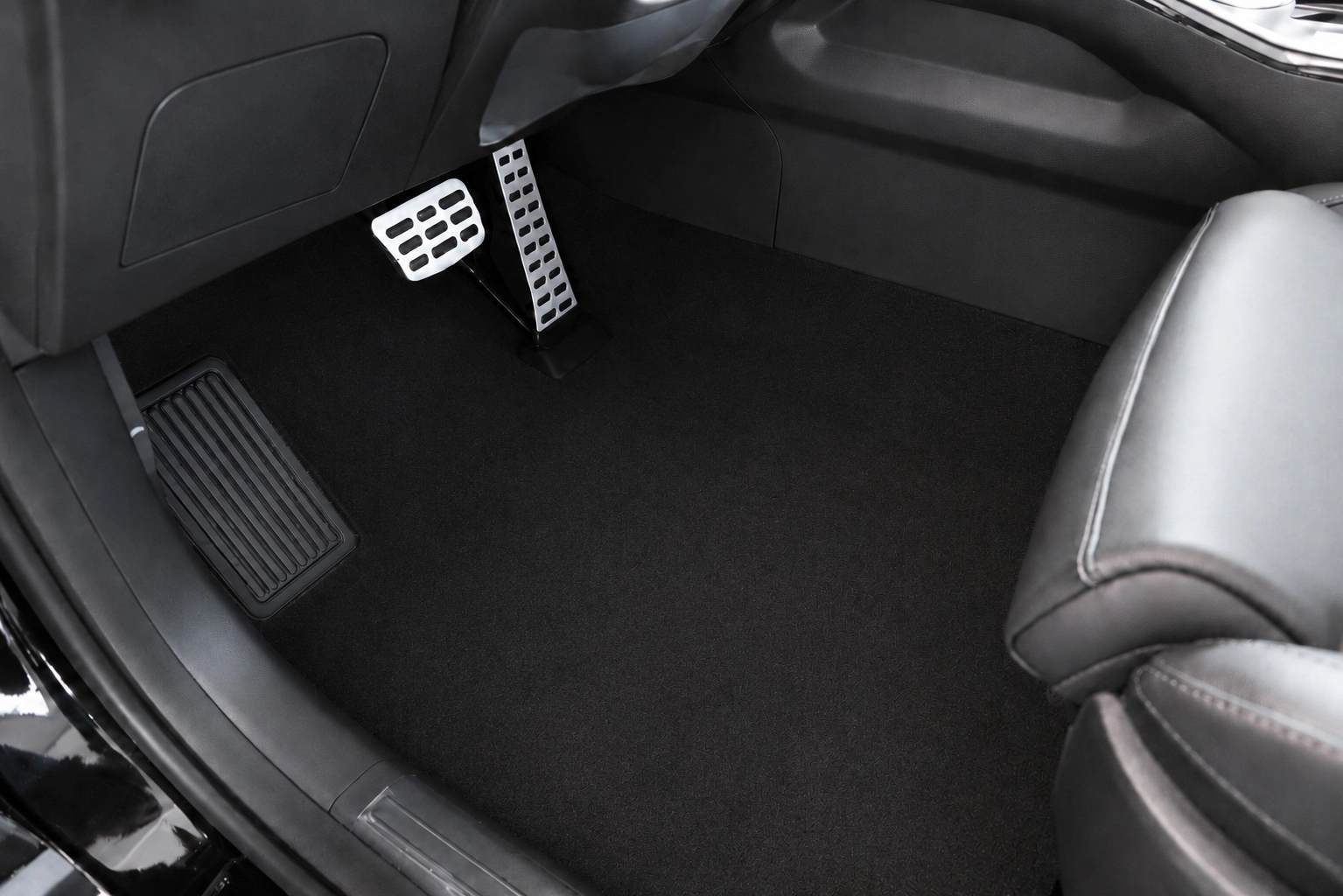
Driver side front floor mat area, without the mat installed.
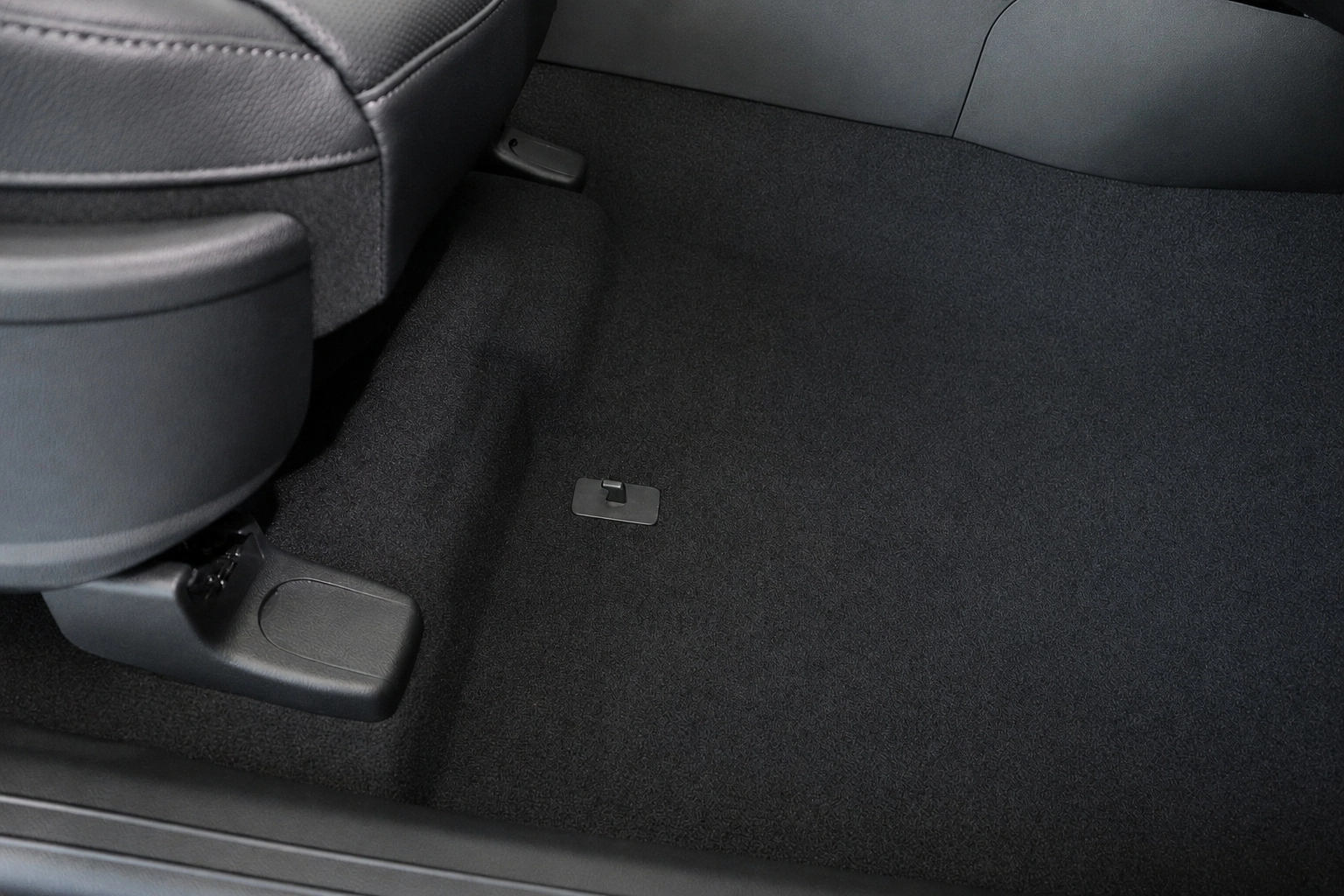
Passenger side front floor mat area, without the mat installed.
Example photos of rear floor mat areas
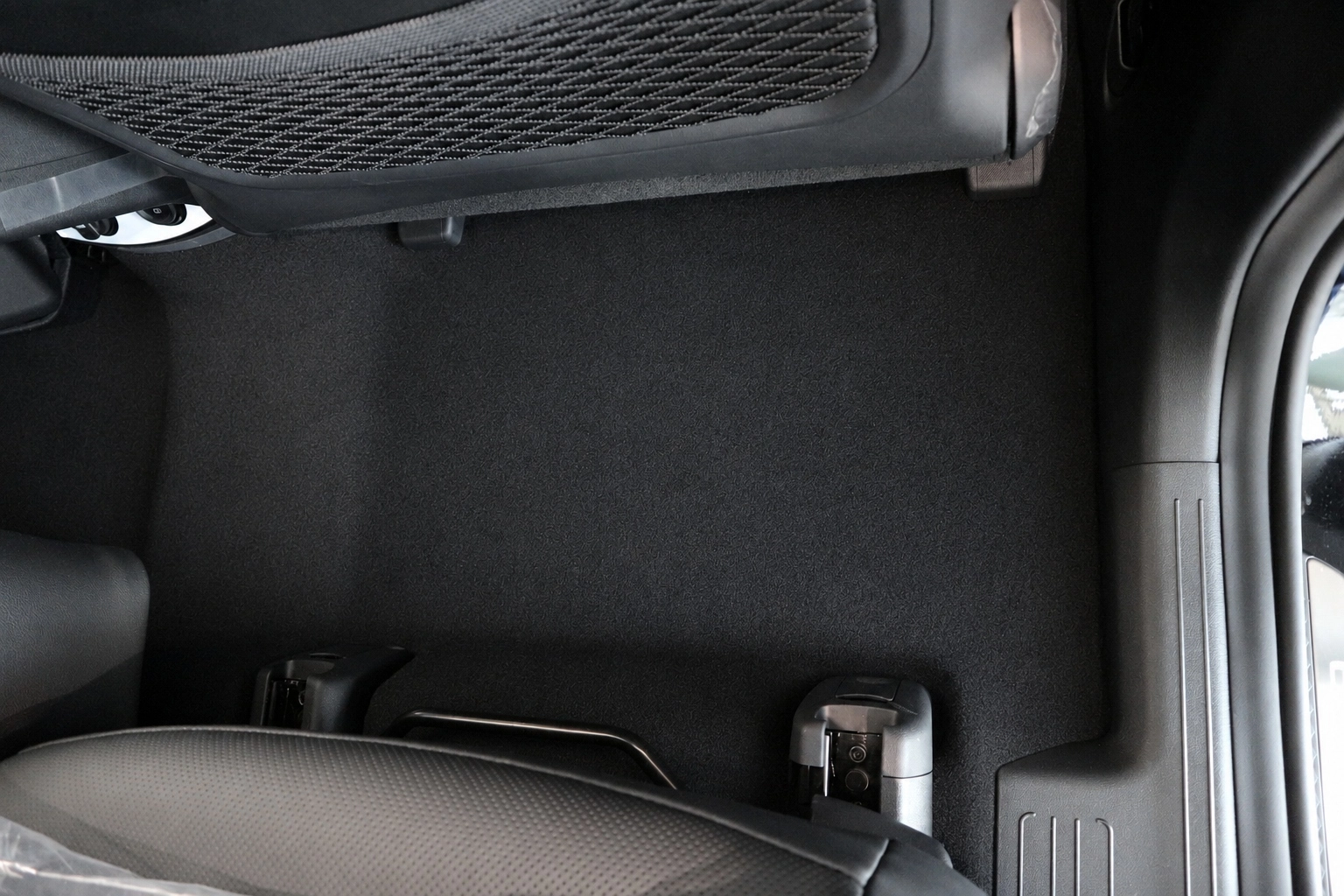
Rear floor mat area, without the mat installed.
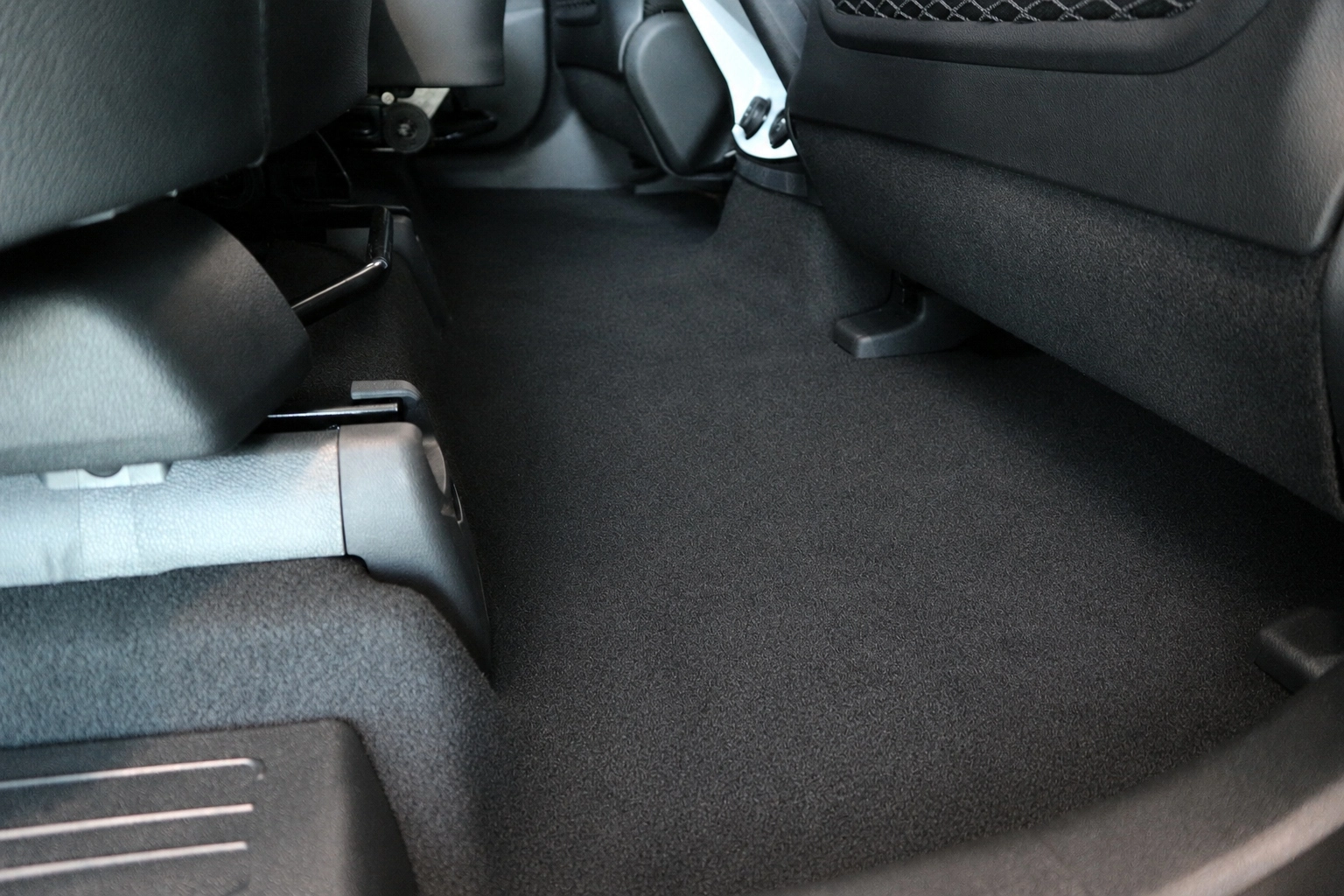
Second angle of the rear floor mat area, without the mat installed.
Example photos of labels and product codes
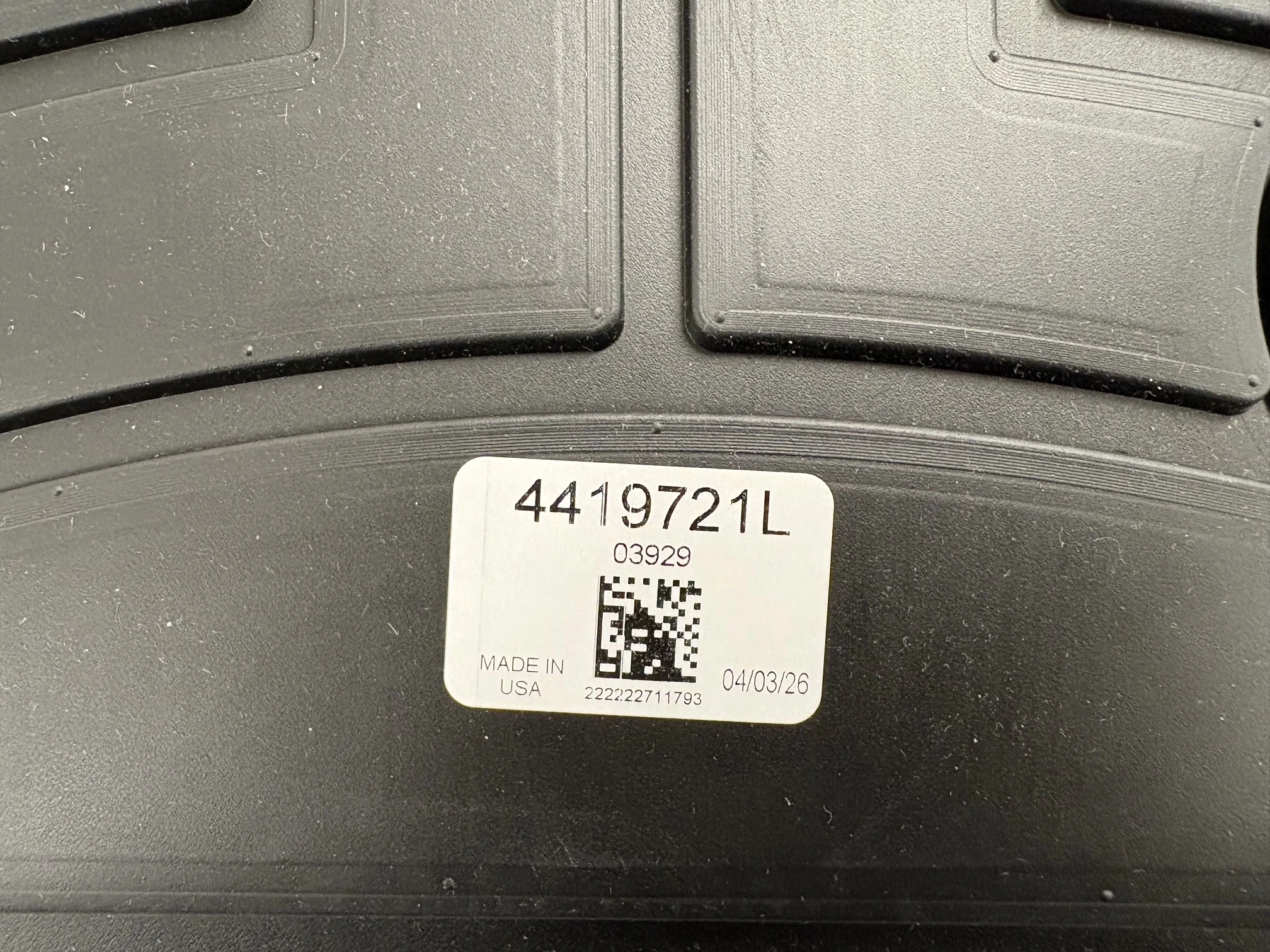
Readable product code label.
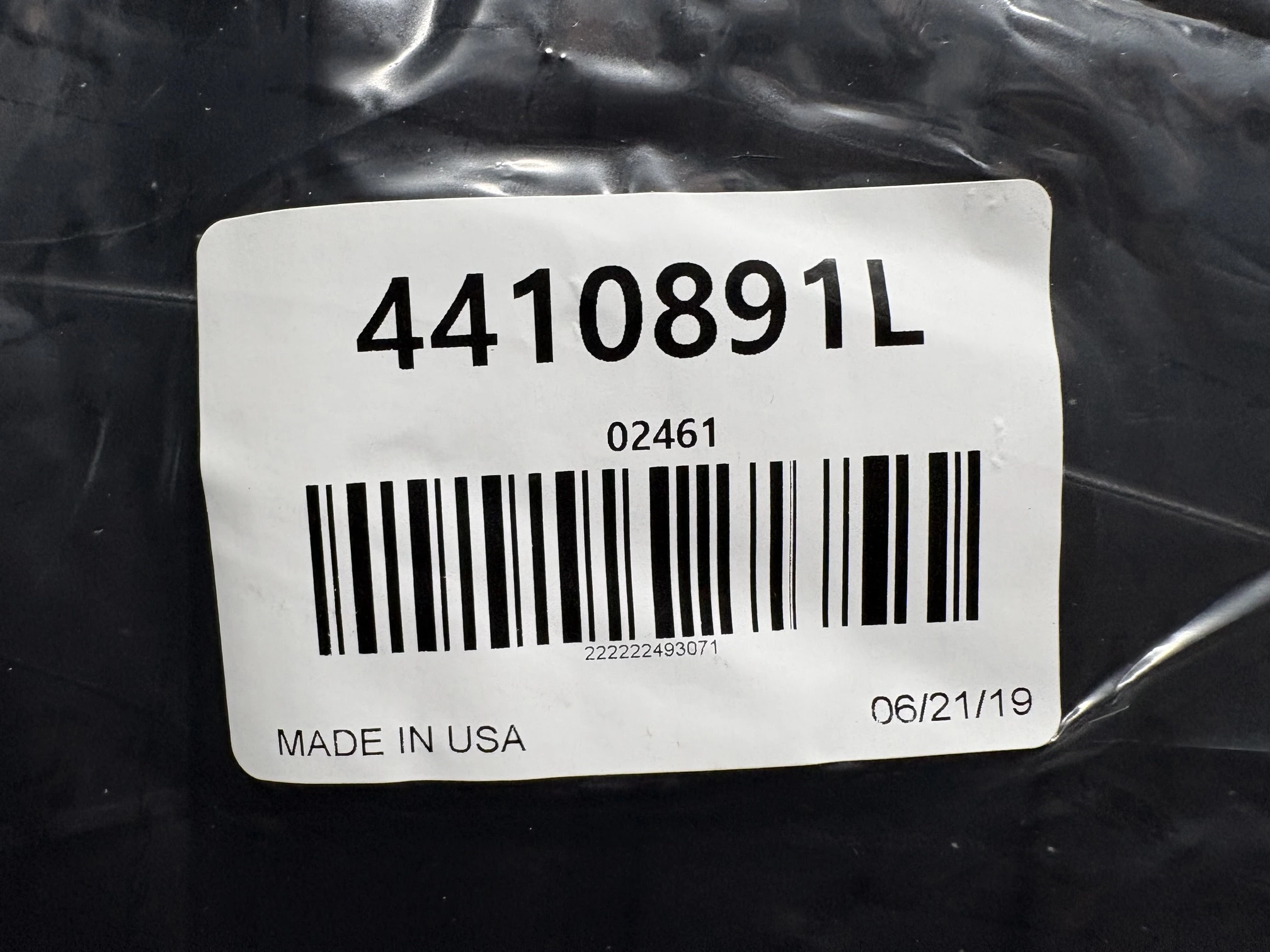
Readable label or barcode, if present.
Example photos of the back of the product
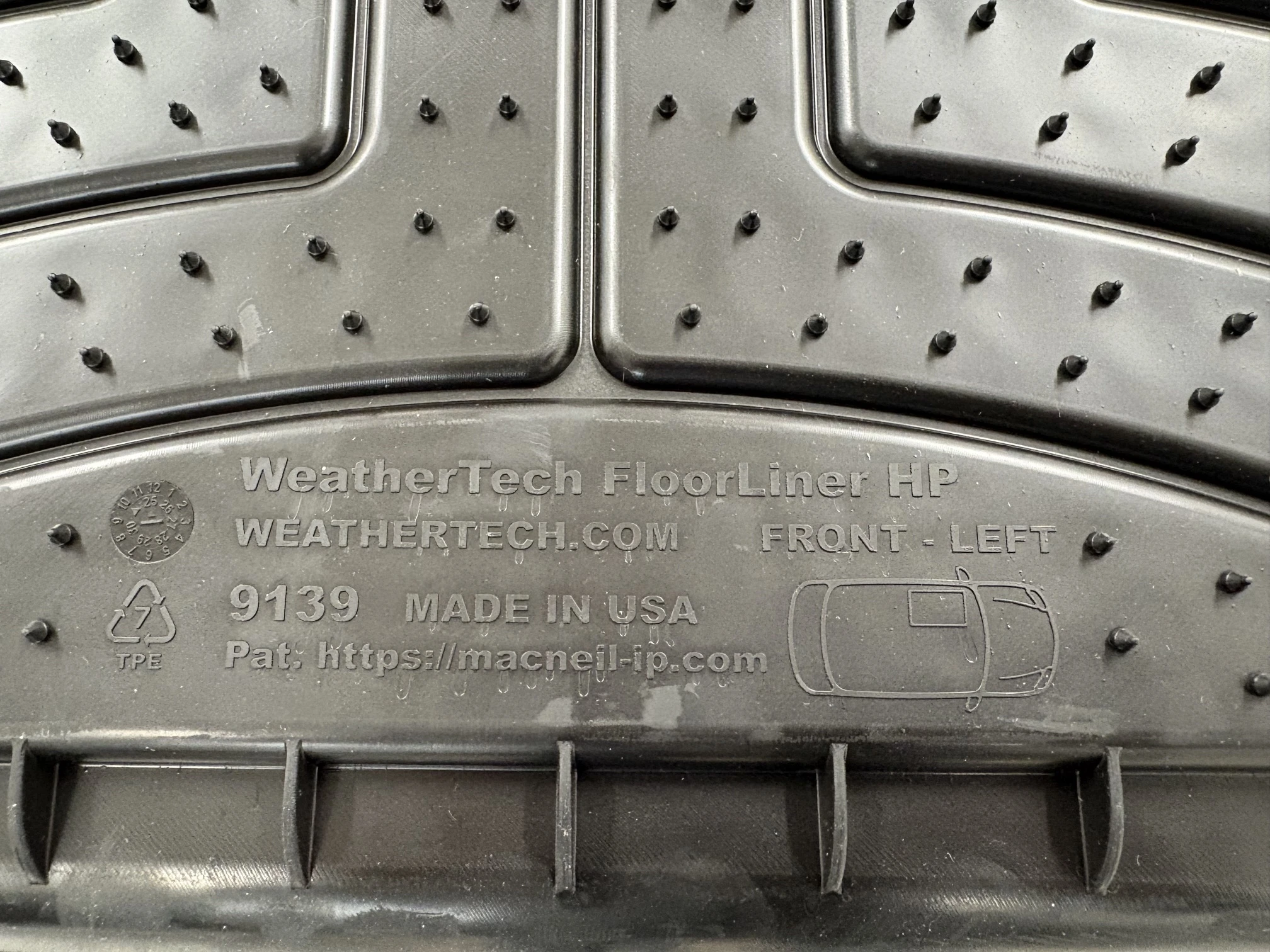
Back of the FloorLiner with readable product details.
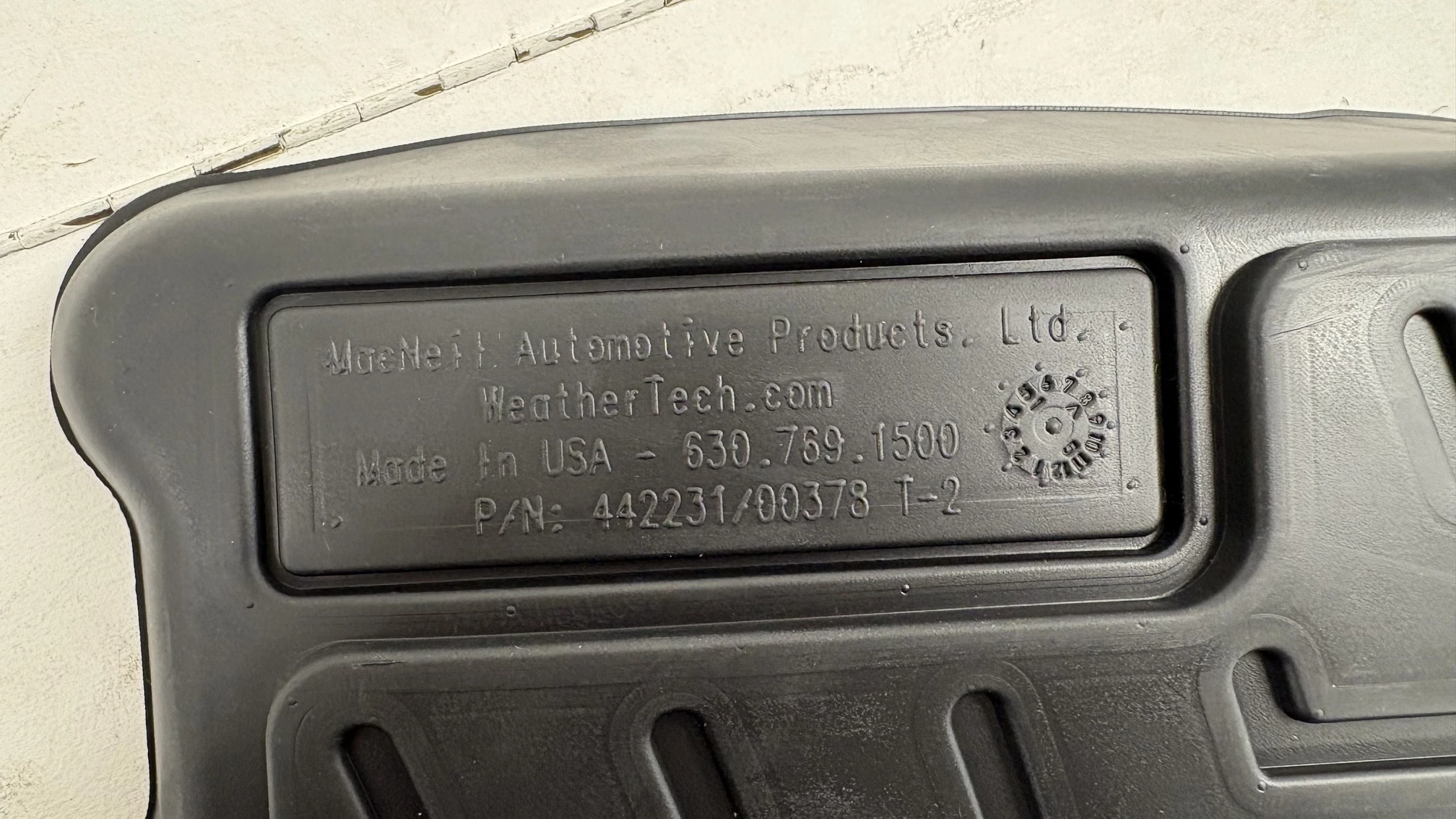
Printed or molded code on the back of the product.
Example photos of the complete product
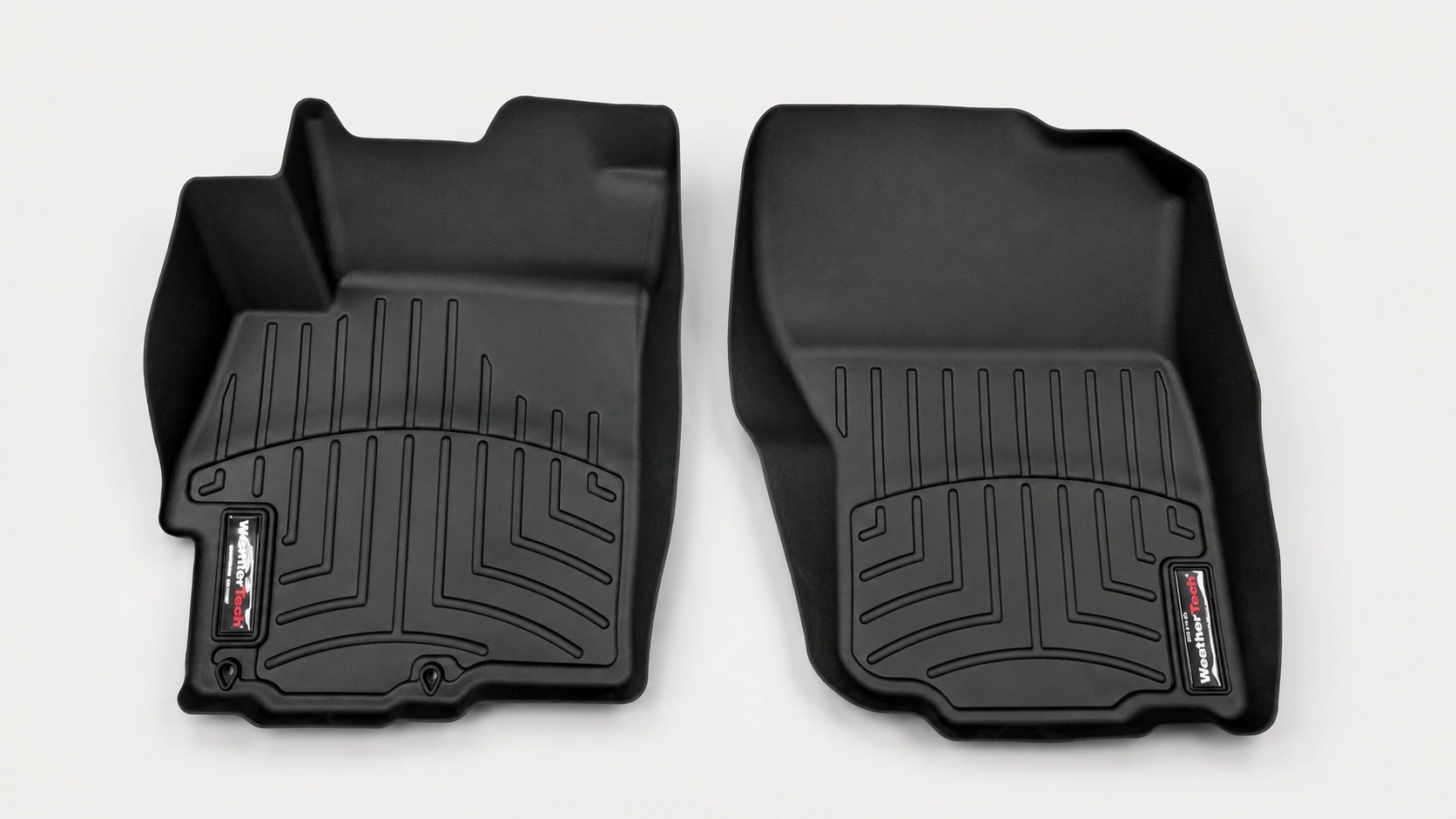
Complete photo of the front floor mats.
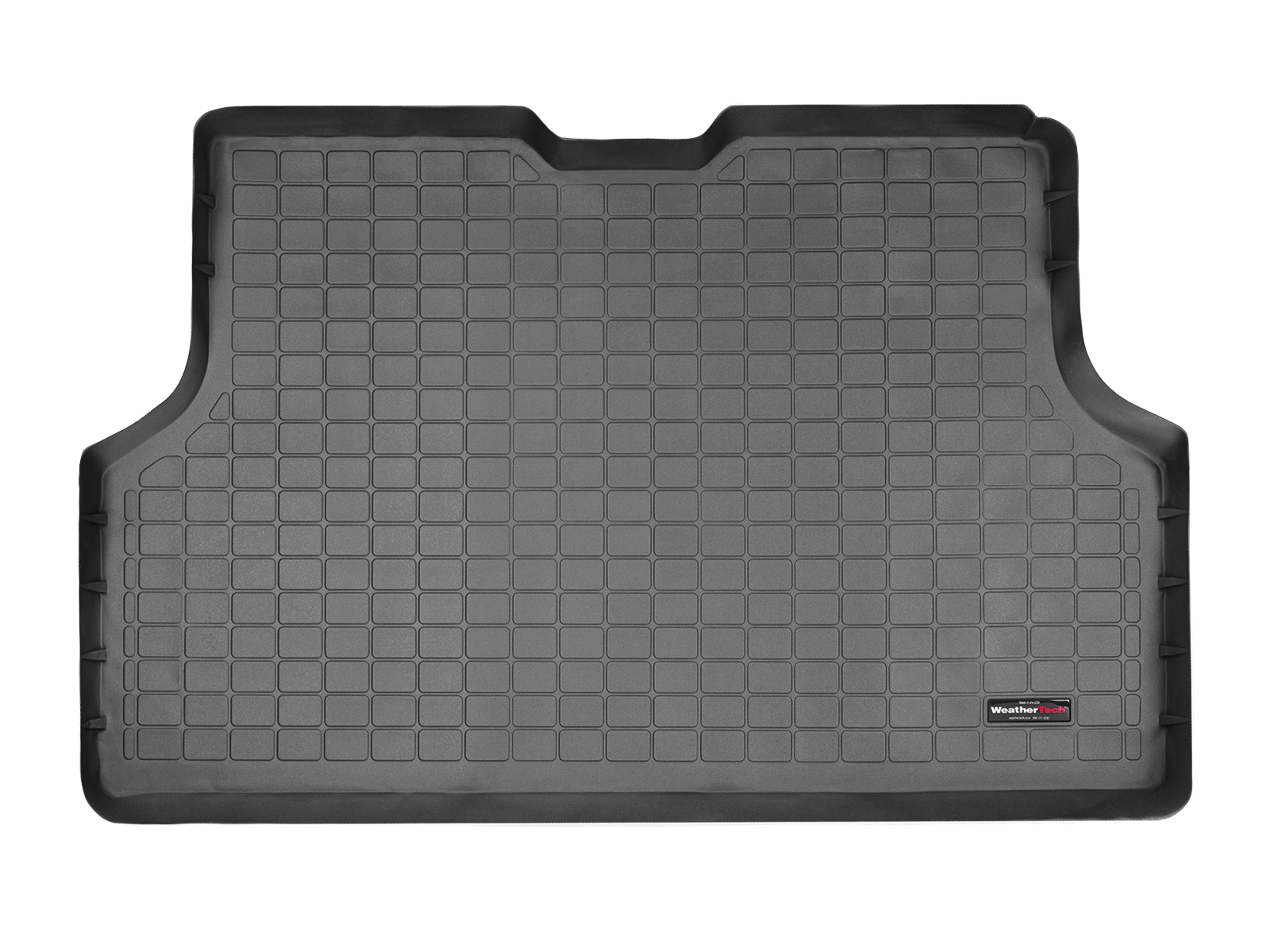
Complete photo of the CargoLiner.
Example photos of the trunk area / CargoLiner
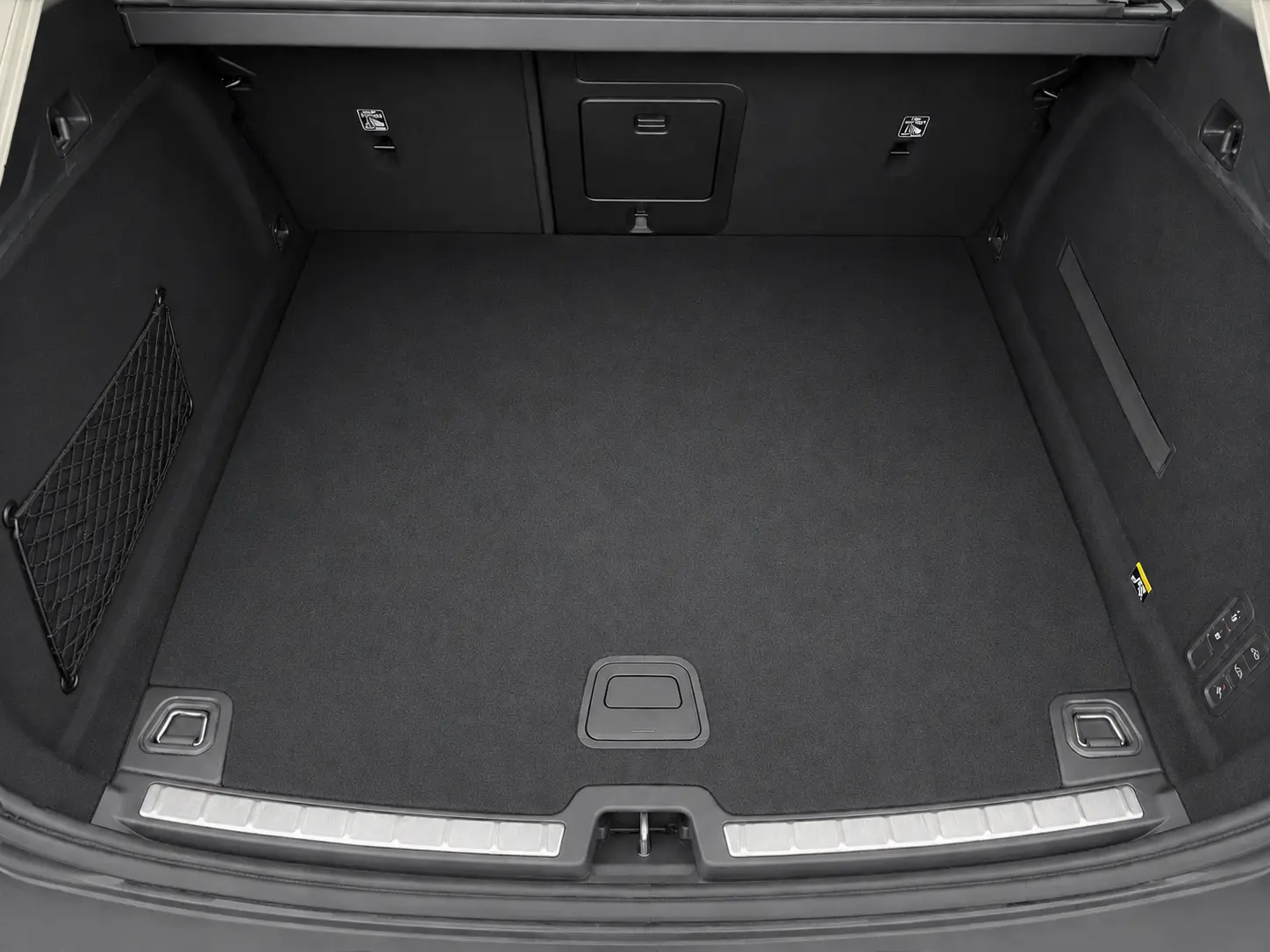
Vehicle trunk area, without the CargoLiner installed.
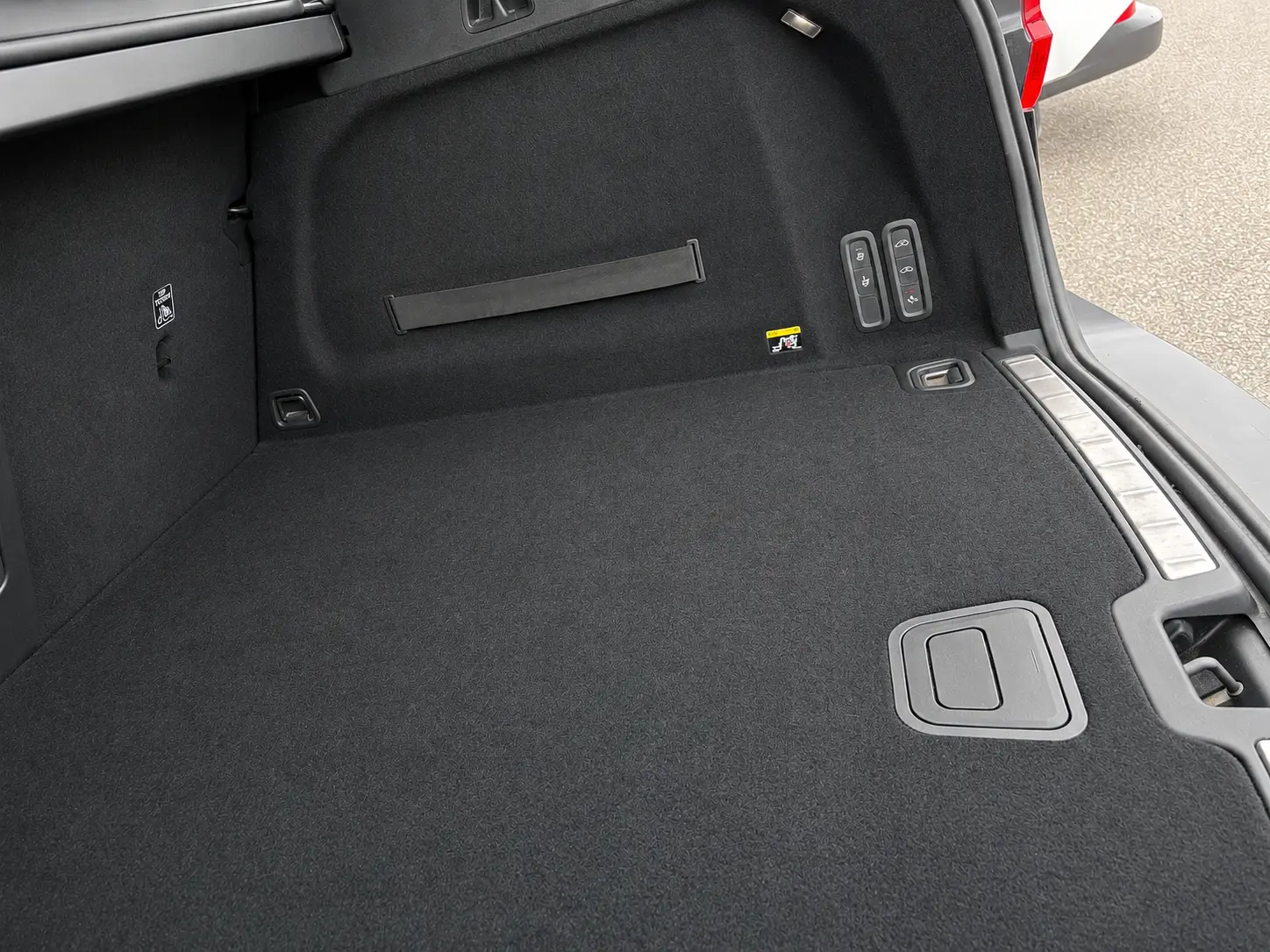
Side view of the trunk area, without the CargoLiner installed.
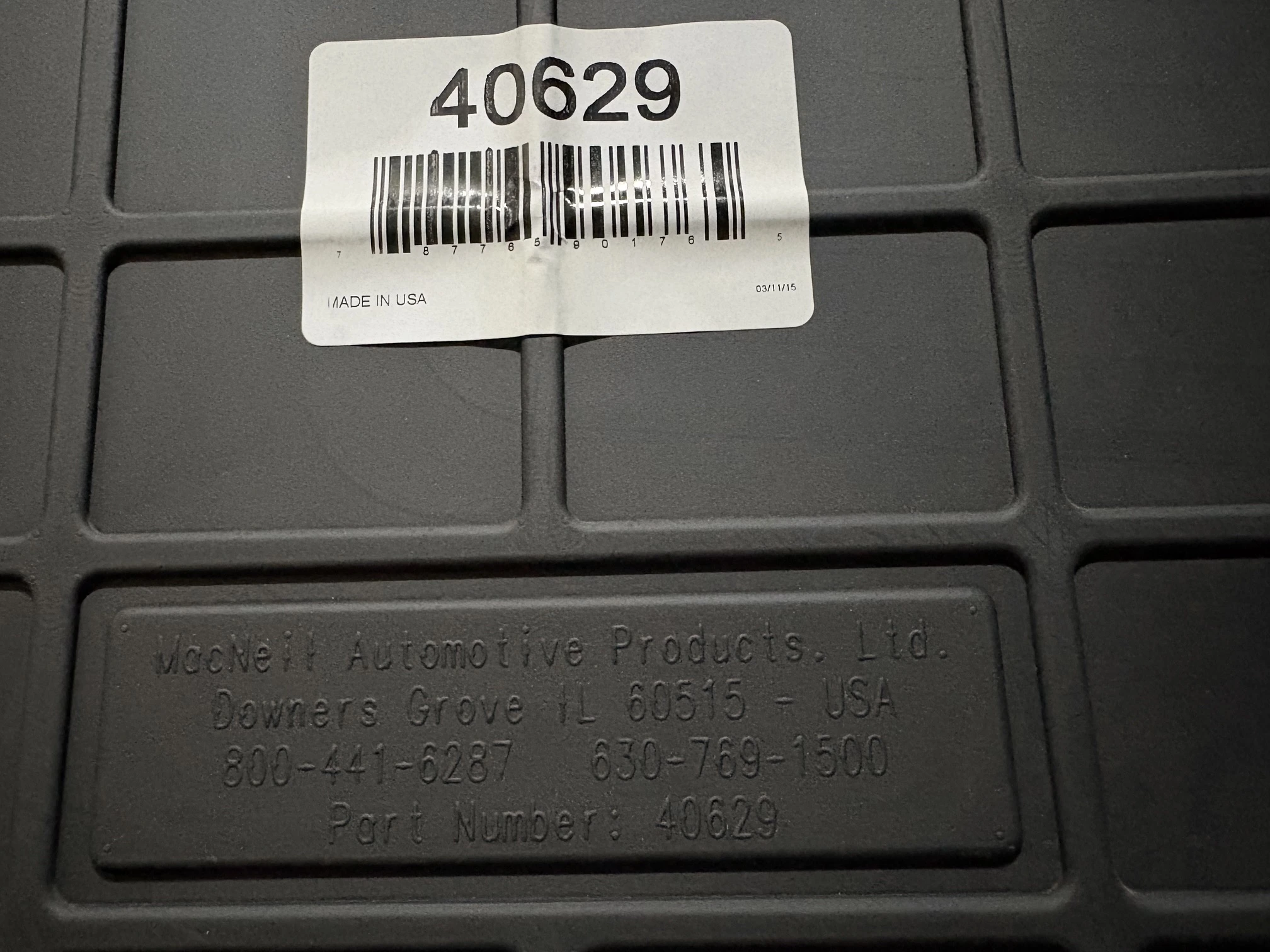
Back of the CargoLiner: codes, labels and details must be clearly readable.
You can send the photos to [email protected], always including your order number and a short description of the issue or request.


